
Keep fabric folds, seams, buttons and scarf patterns while checking difficult boundaries at the collar, shoulder and hairline.
Separate color change from garment replacement
Recoloring should keep the original garment’s shape, seams, folds and buttons. Replacing the garment with a generated one can alter the customer’s appearance and introduce invented details. Choose a target color, then compare the result with the original at both normal and close viewing sizes. Light and dark fabrics behave differently: a white shirt may have very little visible texture, while a patterned scarf needs its pattern preserved.
Inspect the collar and shoulders
The collar is a difficult boundary because skin, hair, fabric and background may meet within a few pixels. A white sleeve against a light background is similarly ambiguous. After applying a color, zoom in around both shoulders and the neckline. Look for bright fringes, dark spill onto skin and missed patches inside the cloth. If the automatic selection cannot resolve a boundary, refine that specific edge rather than darkening a broad surrounding area.
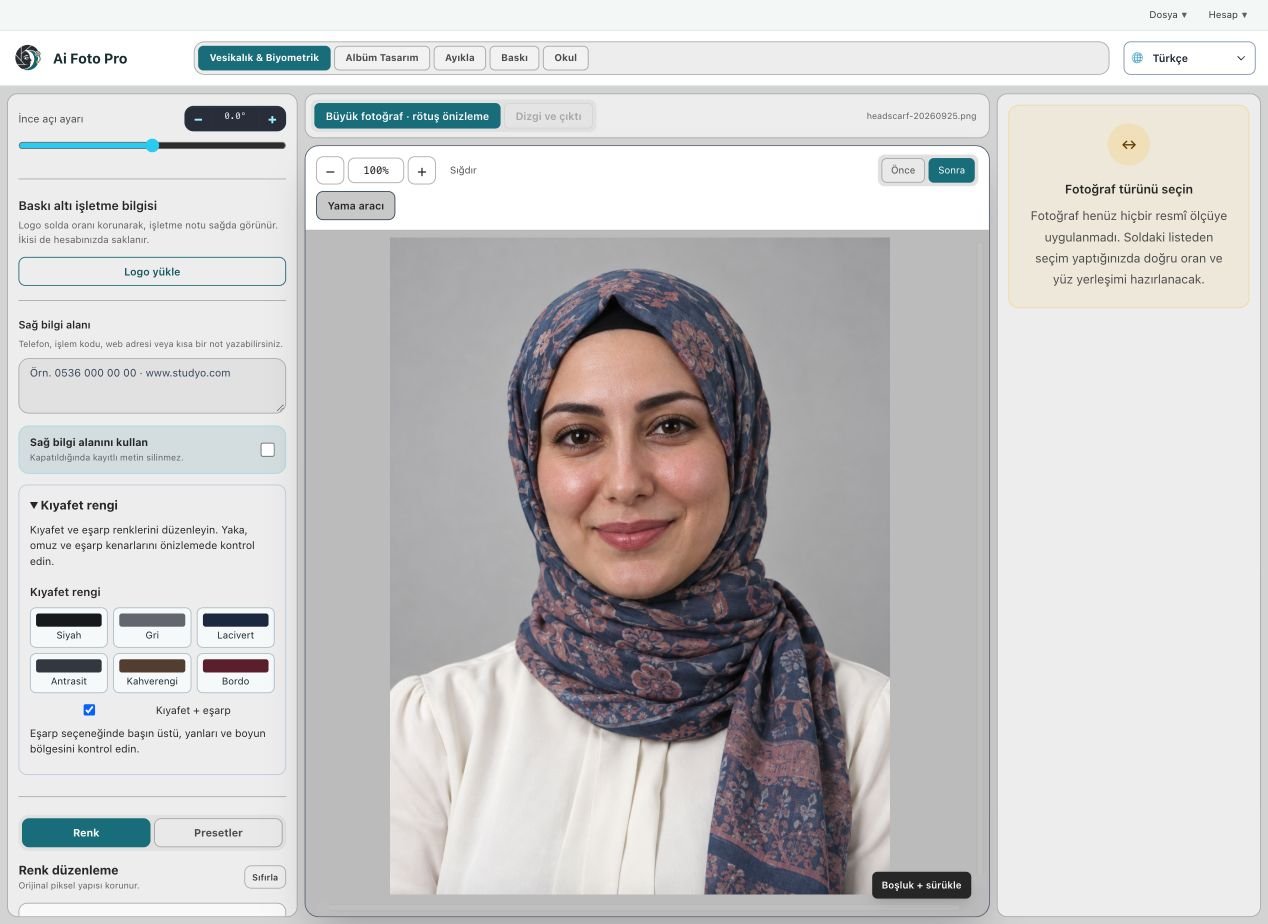
Protect scarf detail
On a headscarf, folds and prints carry much of the original look. A useful recolor changes the overall hue while leaving the fabric’s light and shadow relationships visible. Examine the edge against the forehead, cheeks and under the chin. Skin color and facial features should not shift with the fabric. A patterned scarf may never become a perfectly flat target color without losing its character; choose a realistic result and discuss expectations with the customer.
Make a final quality pass
Review the entire portrait after checking the small edges. A color that looks right at high zoom may be too dark or saturated at normal size. Compare the clothing with the background and the person’s skin. If the image is for an official document, confirm that the final appearance remains acceptable for that purpose. Save the exported file at source quality and inspect it once more, since the display preview is not the final deliverable.
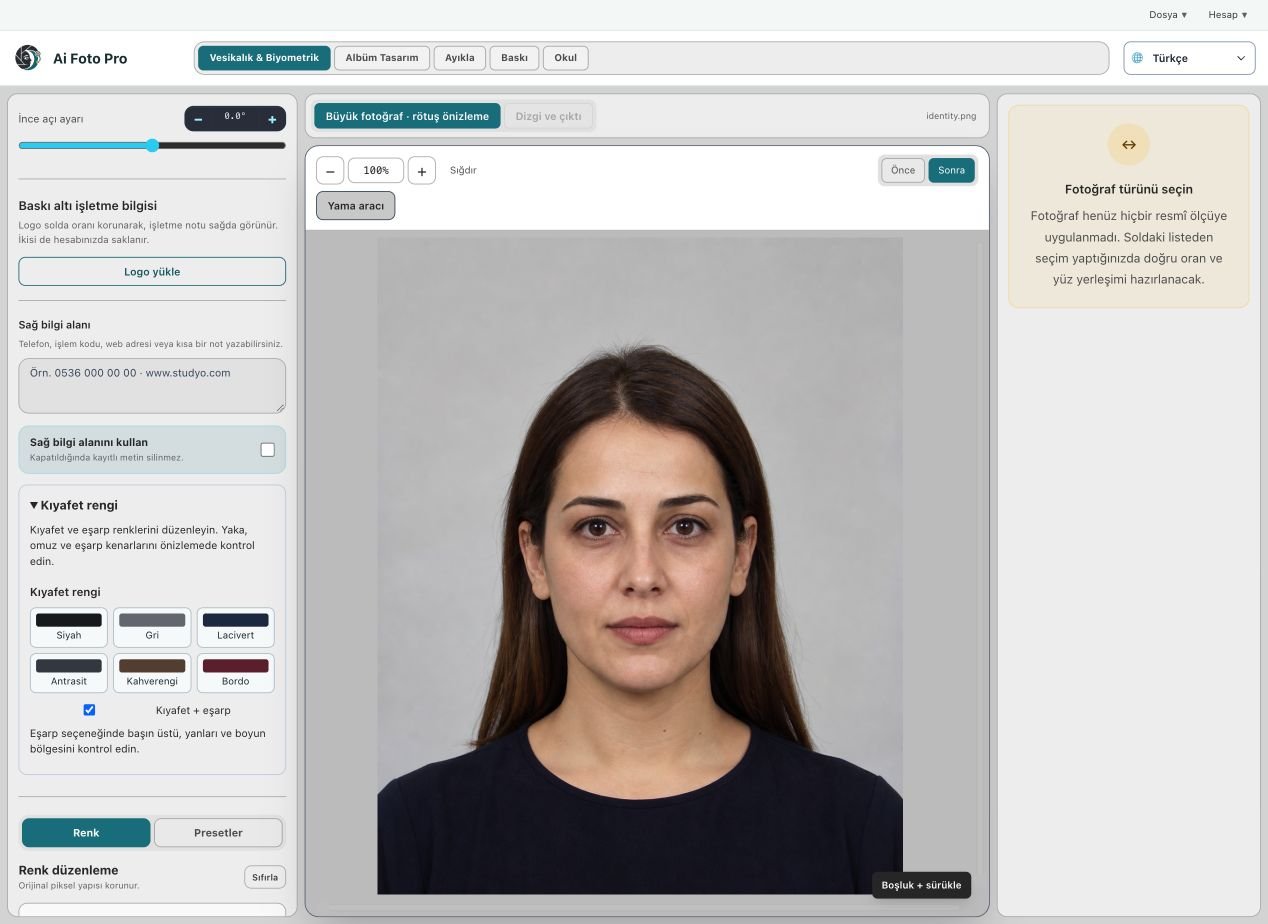
A practical studio check before delivery
Begin with the customer’s requested product and the original camera file. In this color editing workflow, confirm the source orientation, the intended physical or digital size, and the treatment that was actually requested. Work on a copy so the first capture remains available. Make one controlled adjustment, then compare it with the previous state. A change that looks impressive at maximum zoom can still feel wrong in the complete portrait or page. If several photos belong to one job, inspect more than one image before applying the same settings throughout the set. Keep a consistent naming scheme so the approved export can be found later.
Preview and delivered file are different checks
The application preview helps you decide where to crop or edit, but it may use fewer pixels than the source file. After saving, open the exported JPEG or page separately and confirm its dimensions, crop and visual quality. Inspect faces and important borders at normal size, then zoom into problem areas. If a detail appears soft, repeated or oddly colored, return to the working image and refine it before sending anything to the customer. A clear export check also catches an incorrect folder, a missing file or a mismatched output preset. Do not rely only on a success message.
Explain the finished result to the customer
Customers rarely ask which algorithm or brush was used. They want to know whether the result fits their purpose, still resembles them, and can be opened or printed without surprises. Tell them which output is the final version and what each file is intended for. If the task involves an official document, the receiving authority makes the final acceptance decision; check current requirements before promising compliance. Keep the original capture and the approved output separate, so a later request for a different size or a small revision does not require repeating the entire job.
Related guides
Continue with biometric framing checks, natural skin retouching, print quality control. These guides cover the neighboring decisions that often affect the same customer delivery.