Installation, updates and getting started
Know the steps from initial installation to upgrade.
 Ai Foto Pro
MG Work Studio & Medya Ajans
Ai Foto Pro
MG Work Studio & Medya Ajans
AI FOTO PRO · PRODUCT GUIDE
Prepare client photos in desktop workflow. Ai Foto Pro uses on-device resources during normal image processing; license verification, updating, and optional QR submission have different connectivity needs.
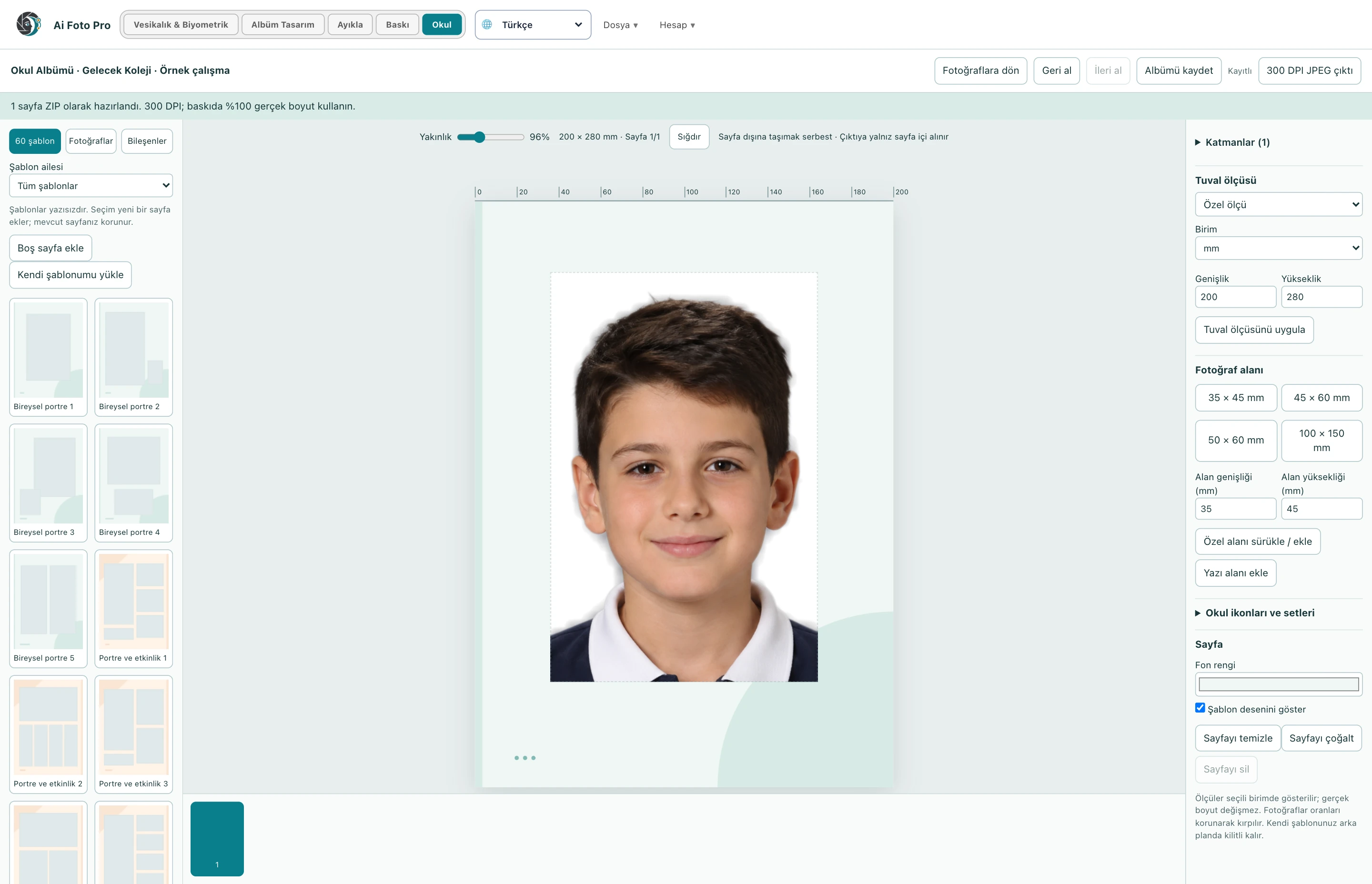
Interactive preview can be adapted for smooth operation; the export is prepared from the original source. Large photos and multi-page albums require more memory and processing time. In extended school processes, the progress indicator tells that the work is continuing.
Internet required for account and license verification, app updates, and QR submission link. When QR is selected, the prepared output is sent to the server. Normal local photo editing is not the same as this optional delivery process. Detailed data processing conditions are on the privacy page.
Back up your original photos, saved works, album projects, and custom images on a separate disk. The job record is not an archive that replaces the source photo in all cases. If file access is broken, you must have the original source for relinking.
Application updates are installed by verifying the package signature. Save your work before updating. Ignoring the registry error warning and logging out may cause you to lose the last remaining changes in memory. Complete the re-registration or resource linking of the required photo.
Photo processing occurs locally; account/license verification, update and QR submission requires internet connection.
Yes. In optional QR delivery, the prepared printout is uploaded to provide a timed download link.
Evaluate the right workflow for your studio based on your own photos and output needs.