A five-mode workflow for photo studios
From selecting a customer to delivering a school album, different jobs require different tools.
 Ai Foto Pro
MG Work Studio & Medya Ajans
Ai Foto Pro
MG Work Studio & Medya Ajans
AI FOTO PRO · PRODUCT GUIDE
Find out what you need to know before deciding on trial, annual license, school photos, print and digital delivery. You can continue detailed workflow explanations on the relevant pages.
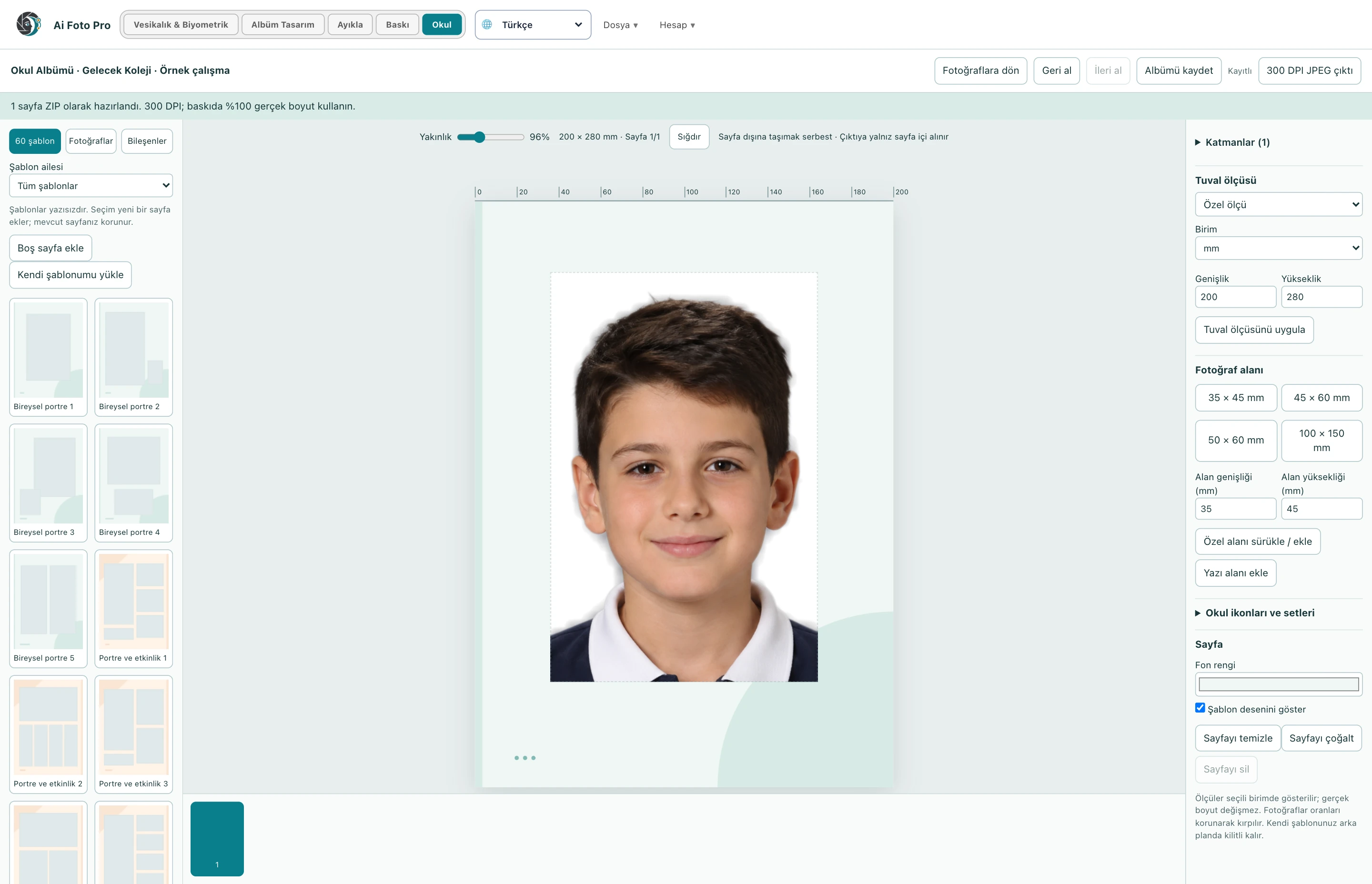
For passport and biometric document photography and print layout. Album Design manages wedding and event pages, Extract the frames selected by the customer with the code, Print paper and tail work. School includes individual/collective student photos and a separate School Album workspace.
The program works on Windows and Mac. Image operations are mainly carried out on the device; account/license verification, updates and QR submission require connection. Downloading or requesting on the site does not mean that the installation on your computer has been completed.
Try every mode without watermarks for 72 hours from your first successful sign-in. Each mode has its own output allowance. You can still open and edit your work after the trial; license the relevant mode for further output.
No. You can prepare and export photos individually or in bulk with their file names.
Uses the framing of a single photo area in the print sheet and the selected photo size.
You can move, edit and delete photo fields, text and components within the School Album.
No. The program assists with measurement and quality controls; the admission decision is made by the application authority.
You can use the same account within the scope of the right to use one, two or three computers you purchased.
Evaluate the right workflow for your studio based on your own photos and output needs.