
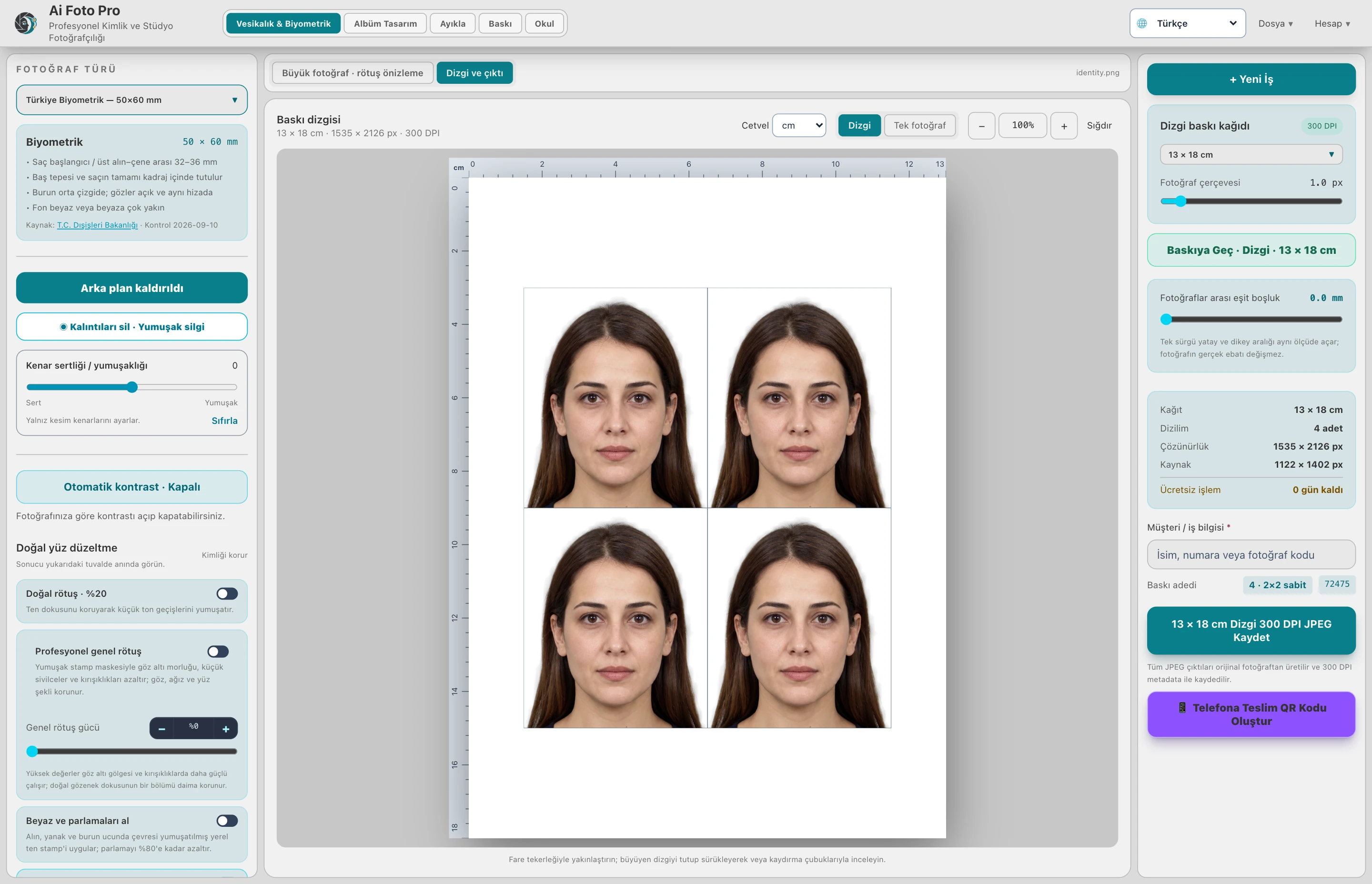
Check the approved portrait, physical photo size, paper dimensions and spacing before saving repeated ID photos for print.
Approve the single portrait first
A four-photo sheet only repeats the quality of its source portrait. Choose the required photo type, align the face and check the background before making copies. Inspect hair, eyes and shoulders at a useful zoom. If the photograph is for an official application, confirm the current dimensions and acceptance conditions with the receiving authority. The sheet layout cannot correct a face that was framed incorrectly at the start.
Distinguish photo size from paper size
A 35 by 45 millimeter portrait and a 10 by 15 centimeter paper sheet describe different things. Select the physical size of each photo and then the sheet it will be placed on. Check the number of copies, margins and the equal spaces between them. A thin border helps reveal the edge of a white-background portrait against white paper. Do not enlarge the face merely to fill the sheet; preserve the approved crop in every repeated cell.
Understand 300 DPI and source pixels
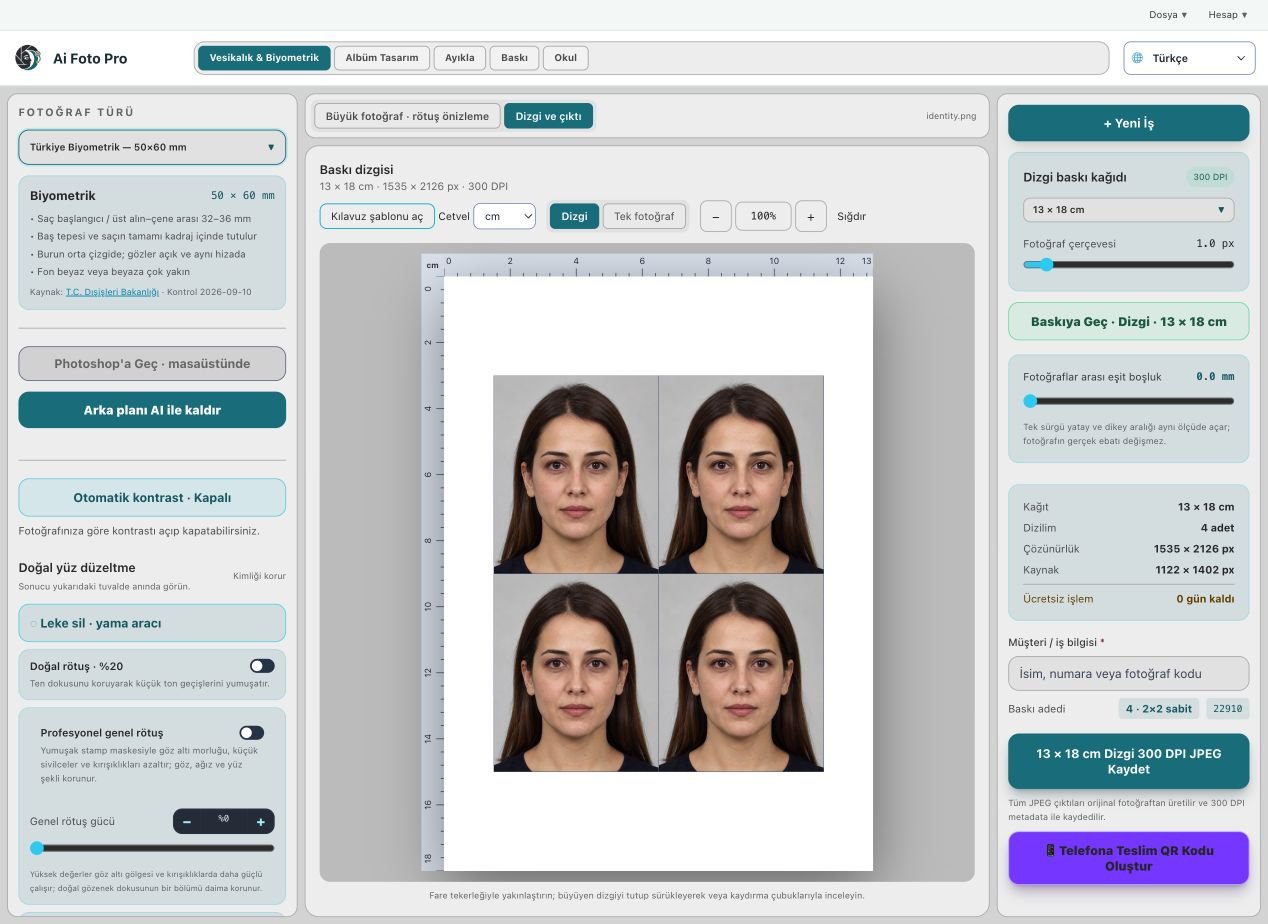
DPI describes how many image pixels are assigned to an inch of print. A 300 DPI label alone does not create missing detail in a low-resolution source. Keep the original camera file available and export from its full resolution rather than from a small on-screen preview. When an output is larger than the source can support, inspect it carefully and consider reshooting instead of relying on sharpening. Each copy on the sheet should remain the same measured physical size.
Open the saved sheet
After creating the JPEG, check its pixel dimensions, metadata and visible layout. Count the copies and ensure that no border or face is cut off at the paper edge. The delivery filename should distinguish the sheet from a single portrait and from older revisions. If a customer needs multiple paper formats, export and verify each one separately. A screen layout can appear correct while an incorrectly selected output preset produces an unsuitable file.
A practical studio check before delivery
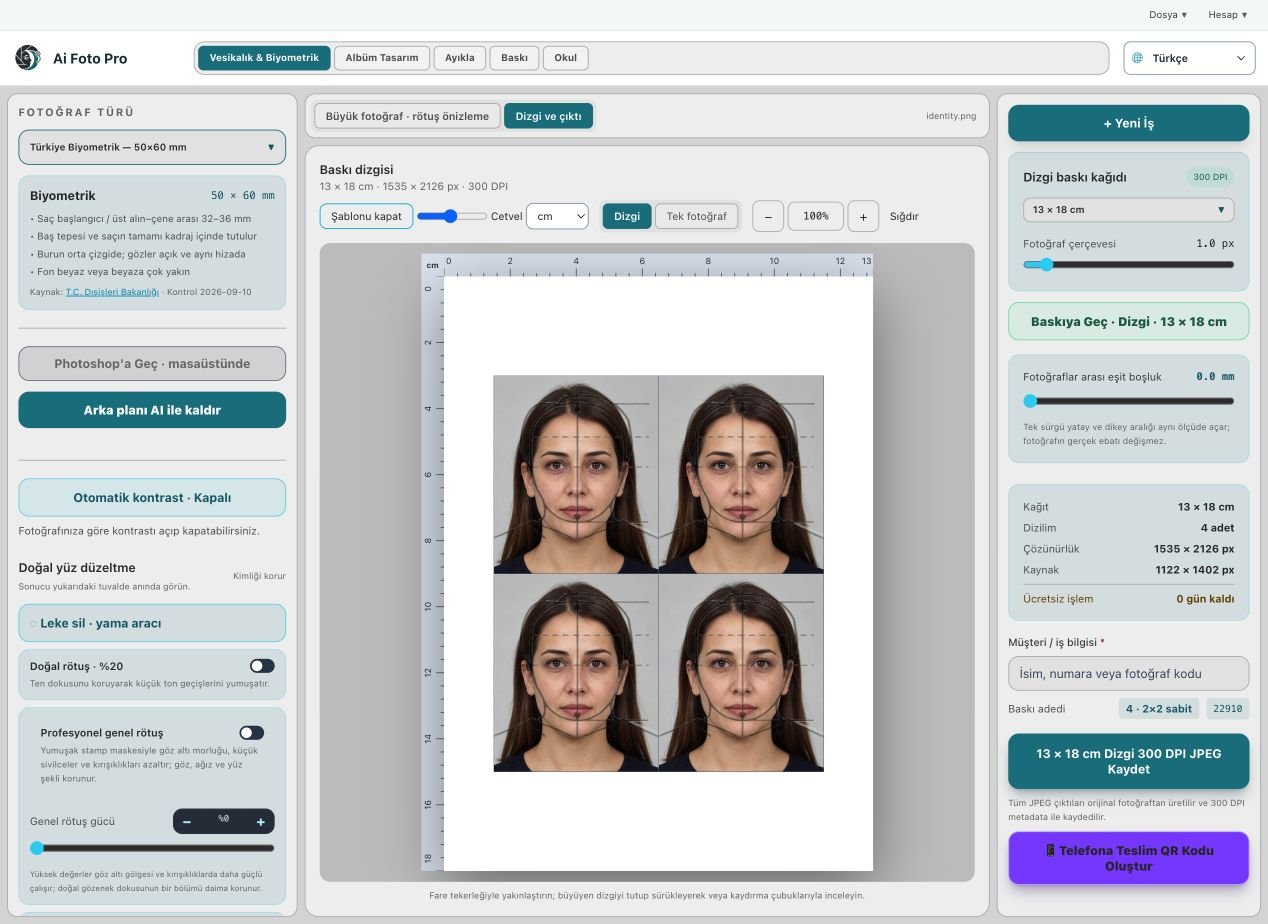
Begin with the customer’s requested product and the original camera file. In this printing and delivery workflow, confirm the source orientation, the intended physical or digital size, and the treatment that was actually requested. Work on a copy so the first capture remains available. Make one controlled adjustment, then compare it with the previous state. A change that looks impressive at maximum zoom can still feel wrong in the complete portrait or page. If several photos belong to one job, inspect more than one image before applying the same settings throughout the set. Keep a consistent naming scheme so the approved export can be found later.
Preview and delivered file are different checks
The application preview helps you decide where to crop or edit, but it may use fewer pixels than the source file. After saving, open the exported JPEG or page separately and confirm its dimensions, crop and visual quality. Inspect faces and important borders at normal size, then zoom into problem areas. If a detail appears soft, repeated or oddly colored, return to the working image and refine it before sending anything to the customer. A clear export check also catches an incorrect folder, a missing file or a mismatched output preset. Do not rely only on a success message.
Explain the finished result to the customer
Customers rarely ask which algorithm or brush was used. They want to know whether the result fits their purpose, still resembles them, and can be opened or printed without surprises. Tell them which output is the final version and what each file is intended for. If the task involves an official document, the receiving authority makes the final acceptance decision; check current requirements before promising compliance. Keep the original capture and the approved output separate, so a later request for a different size or a small revision does not require repeating the entire job.
Related guides
Continue with biometric framing and eye alignment, general print preparation, natural portrait retouching. These guides cover the neighboring decisions that often affect the same customer delivery.