
Combine student portraits, names, class details and a consistent layout while keeping every page ready for print.
Choose a page structure
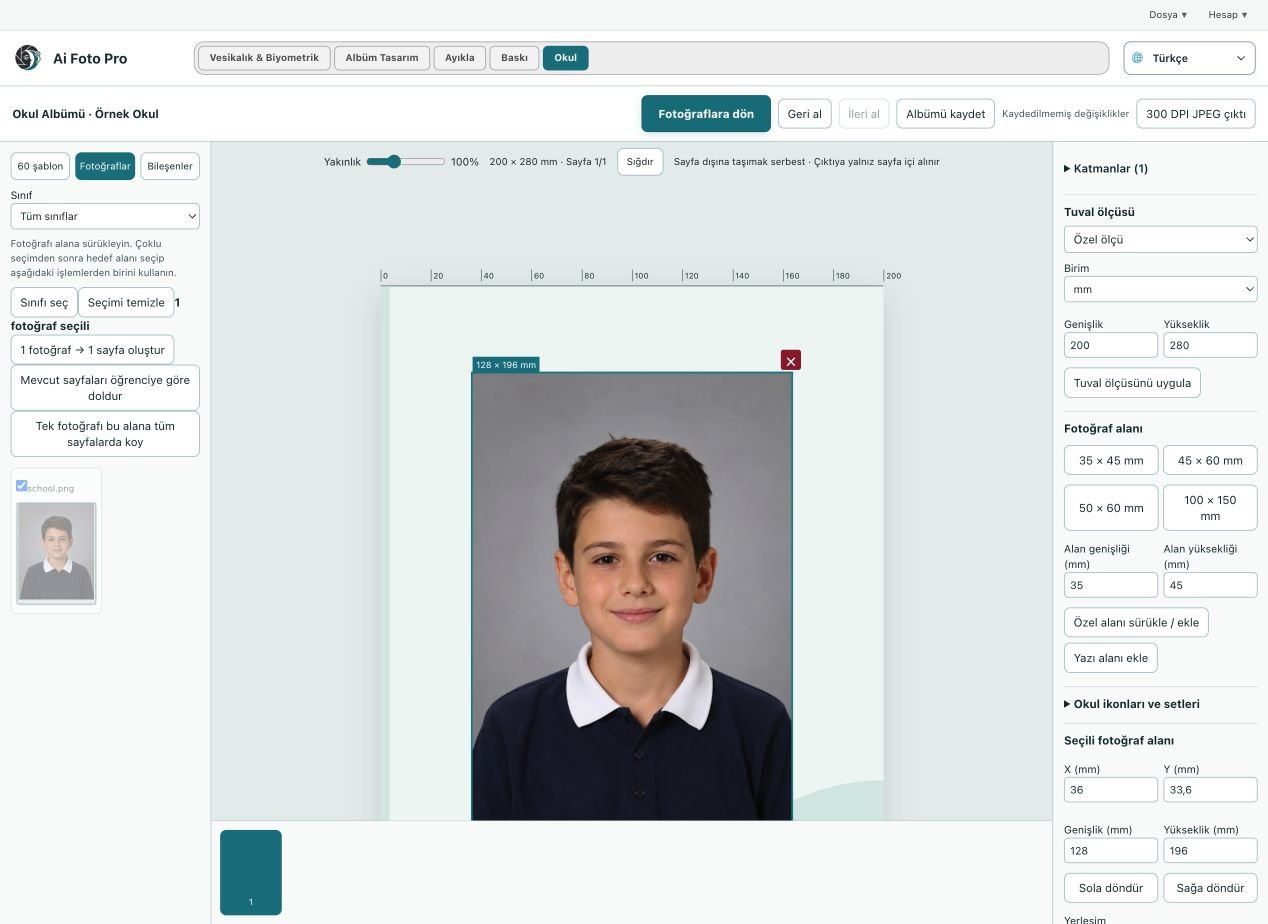
A school album has to represent many students fairly and clearly. Start with the page size and a template that can hold the expected class count without shrinking faces too far. Decide where the class name, teacher, school identity and year will sit before placing every photograph. A consistent grid makes later changes easier, particularly when a missing student or corrected name arrives close to the deadline. Leave room for safe margins and the binding area.
Match names with faces
Import the student list and confirm the connection between each name and portrait. Identical filenames, late replacements and mixed folders are common sources of mistakes. Open a few individual records, compare them with the approved list and resolve ambiguous matches before building the final pages. Never assume that alphabetical order of files is the same as the order of students. Keep a clear process for a teacher or school representative to approve the roster.
Balance text and pictures
School pages may include icons, class colors and decorative elements, but faces and names must remain easy to read. Use one type hierarchy for repeated information and avoid placing text over a busy photo. Check that head size and vertical alignment feel consistent even when source portraits differ. If one student's photo needs a special crop, adjust that frame rather than changing the entire class layout. Maintain enough contrast for names on the chosen background.
Review the complete printed page
Zoom out to judge the page as a whole, then zoom in to inspect names, hair edges and image quality. Check the outer trim, center fold and any bleed specified by the print provider. Export a proof and ask the school to verify student names and the class assignment. A visually polished layout cannot compensate for a missing student or misspelled name. Save the approved project separately from earlier drafts so later changes remain traceable.
A practical studio check before delivery
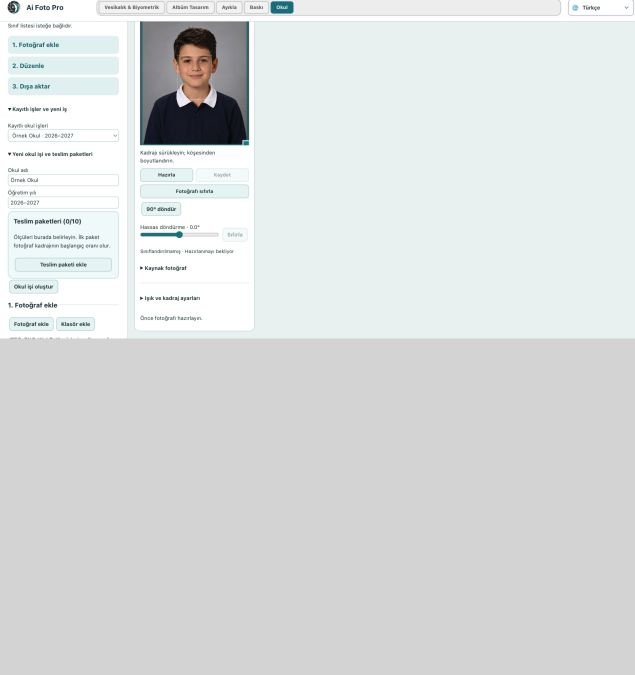
Begin with the customer’s requested product and the original camera file. In this school album workflow, confirm the source orientation, the intended physical or digital size, and the treatment that was actually requested. Work on a copy so the first capture remains available. Make one controlled adjustment, then compare it with the previous state. A change that looks impressive at maximum zoom can still feel wrong in the complete portrait or page. If several photos belong to one job, inspect more than one image before applying the same settings throughout the set. Keep a consistent naming scheme so the approved export can be found later.
Preview and delivered file are different checks
The application preview helps you decide where to crop or edit, but it may use fewer pixels than the source file. After saving, open the exported JPEG or page separately and confirm its dimensions, crop and visual quality. Inspect faces and important borders at normal size, then zoom into problem areas. If a detail appears soft, repeated or oddly colored, return to the working image and refine it before sending anything to the customer. A clear export check also catches an incorrect folder, a missing file or a mismatched output preset. Do not rely only on a success message.
Explain the finished result to the customer
Customers rarely ask which algorithm or brush was used. They want to know whether the result fits their purpose, still resembles them, and can be opened or printed without surprises. Tell them which output is the final version and what each file is intended for. If the task involves an official document, the receiving authority makes the final acceptance decision; check current requirements before promising compliance. Keep the original capture and the approved output separate, so a later request for a different size or a small revision does not require repeating the entire job.
Related guides
Continue with school photo delivery packages, album retouching and page checks, print preparation. These guides cover the neighboring decisions that often affect the same customer delivery.