
Define the outputs a school and its families actually need, set their dimensions, and frame each student's image to match the chosen package.
Define the requested output
Schools do not all request the same deliverables. One may need a small student card image while another expects a four-photo portrait sheet for families. Ask which formats and physical sizes are required before preparing the portraits. In Ai Foto Pro School mode, a job can contain up to ten custom delivery packages. Give each package a clear name and enter its dimensions in millimeters, centimeters or inches as appropriate. Record whether the order is for digital delivery or print.
Let the package guide the crop
The selected package changes the target aspect ratio for the student image. This lets you frame the child for the intended result rather than discovering a cut-off hairstyle after export. Check the top of the head, eye level, shoulders and clothing against the chosen dimensions. Automatic placement is a starting point; different hairstyles, poses or head coverings may need small manual changes. Keep the face natural and do not stretch the image to fill a narrow frame.
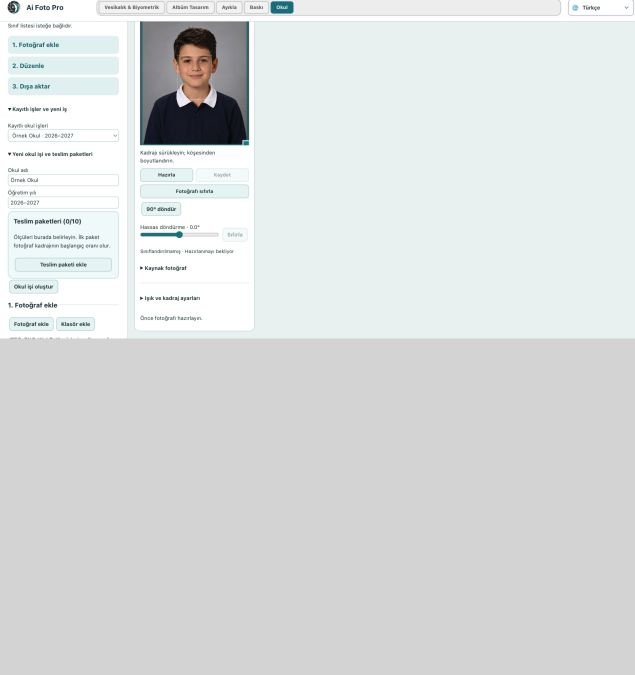
Keep individual edits individual
A class often contains many photographs, but not every frame needs the same correction. Check each student's orientation and angle separately. A fine rotation on one portrait should stay with that portrait rather than moving the whole group. When editing in batches, review a few varied students before applying a shared light or background setting. Use the original files as the source so a quick preview does not become the resolution limit of the final output.
Deliver to school and family clearly
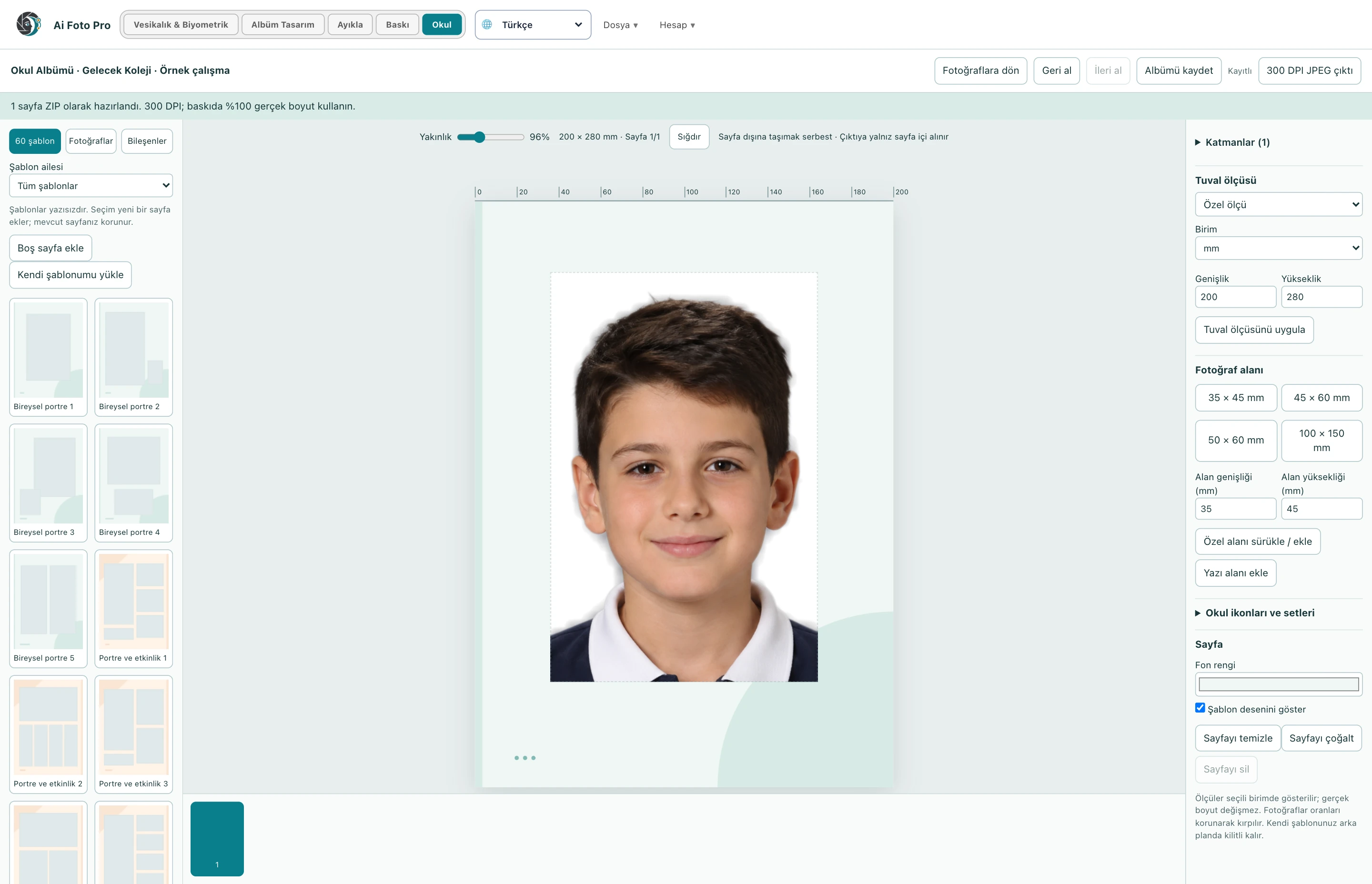
A school might need one file per student while families receive a measured print sheet. Preview each selected package and confirm its count, name and dimensions before export. Save outputs into an obvious delivery folder, then open a few resulting files to verify that they exist and match the chosen size. Keep a copy of the class roster and the approved package list. This makes replacements and later reorders much less likely to cause a mix-up.
A practical studio check before delivery
Begin with the customer’s requested product and the original camera file. In this school photos workflow, confirm the source orientation, the intended physical or digital size, and the treatment that was actually requested. Work on a copy so the first capture remains available. Make one controlled adjustment, then compare it with the previous state. A change that looks impressive at maximum zoom can still feel wrong in the complete portrait or page. If several photos belong to one job, inspect more than one image before applying the same settings throughout the set. Keep a consistent naming scheme so the approved export can be found later.
Preview and delivered file are different checks
The application preview helps you decide where to crop or edit, but it may use fewer pixels than the source file. After saving, open the exported JPEG or page separately and confirm its dimensions, crop and visual quality. Inspect faces and important borders at normal size, then zoom into problem areas. If a detail appears soft, repeated or oddly colored, return to the working image and refine it before sending anything to the customer. A clear export check also catches an incorrect folder, a missing file or a mismatched output preset. Do not rely only on a success message.
Explain the finished result to the customer
Customers rarely ask which algorithm or brush was used. They want to know whether the result fits their purpose, still resembles them, and can be opened or printed without surprises. Tell them which output is the final version and what each file is intended for. If the task involves an official document, the receiving authority makes the final acceptance decision; check current requirements before promising compliance. Keep the original capture and the approved output separate, so a later request for a different size or a small revision does not require repeating the entire job.
Related guides
Continue with school album page design, biometric framing and eye alignment, print preparation checks. These guides cover the neighboring decisions that often affect the same customer delivery.