Natural portrait retouching
Create a clean, balanced portrait of your client that looks like himself.
 Ai Foto Pro
MG Work Studio & Medya Ajans
Ai Foto Pro
MG Work Studio & Medya Ajans
AI FOTO PRO · PRODUCT GUIDE
Remove the messy shooting backdrop, choose a background that suits the client's needs, and examine the portrait to its final delivery size. Maintain the same careful edge control for single photos and batch school work.
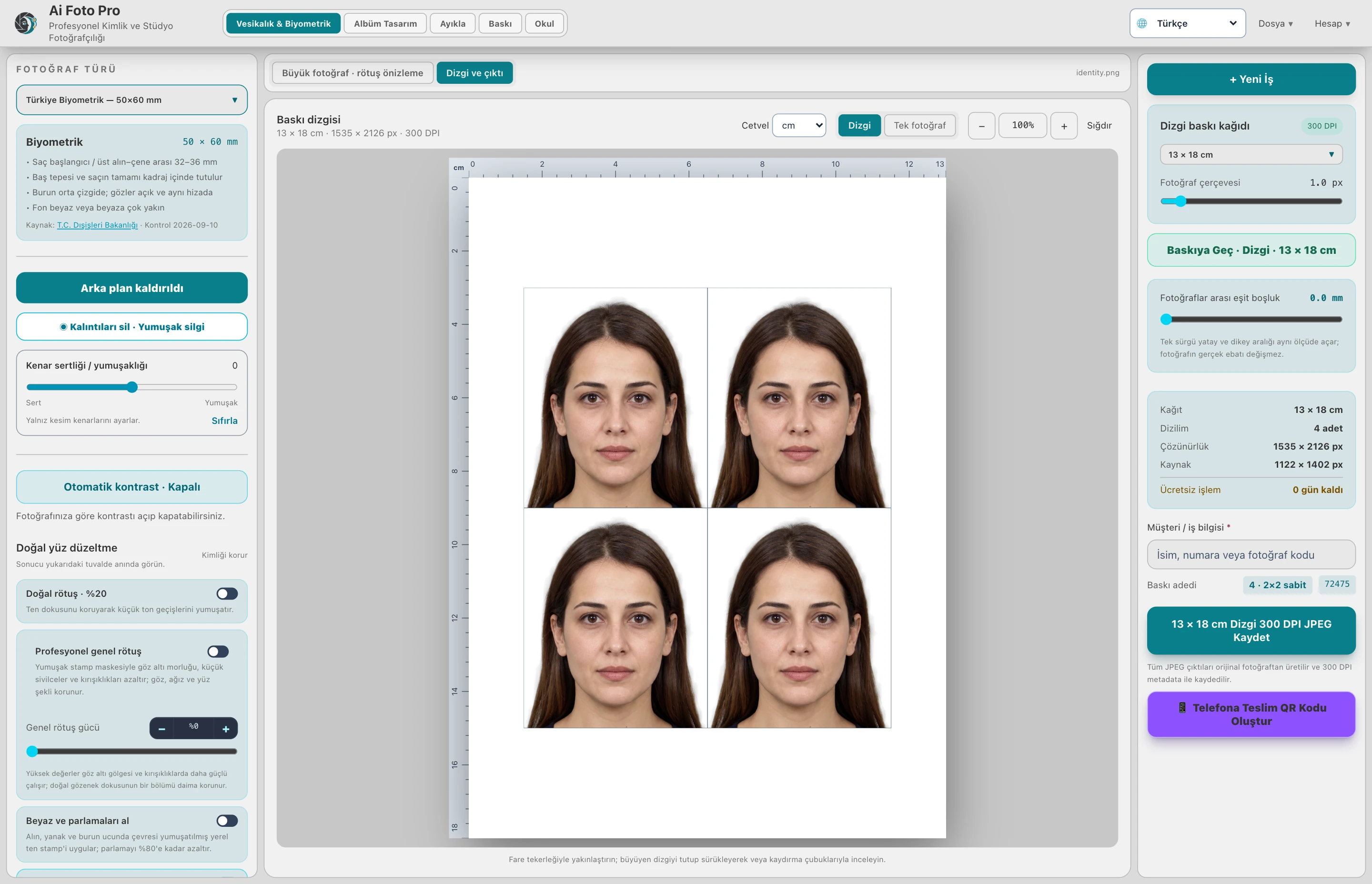
Background removal helps separate the person from the image. Compare the result with a light or colored background; check hair, clothing and shoulder edges. Close-coloured backgrounds, motion blur and very fine hair may require more manual control.
In school mode, after the background is cleared, the light adjustment is applied to the isolated person. The selected background color does not change with brightness correction. This way, you can maintain the common background appearance while balancing the subject's light in portraits of the same class.
If the application requirement requires a white background, use an appropriate plain background. You can create a different look in the studio portrait with light, pastel or your own background set. Not every type of fund is suitable for every formal application; please refer to the relevant conditions in the document photo.
Once you've prepared a batch together, check the problem edges photo by photo. Batch background processing does not mean that all photos have the same shooting quality. Evaluate the final preview and the exported photo to the same target size.
In school mode, after the person leaves, the light is applied to the person alone; the selected background color is preserved.
You can use your own background set for studio work. Check the funding requirements of the relevant institution in the official document photographs.
Evaluate the right workflow for your studio based on your own photos and output needs.