Portrait glare correction and lighting balance
Balance out harsh highlights created by the flash on the forehead, nose, or cheek in a controlled manner.
 Ai Foto Pro
MG Work Studio & Medya Ajans
Ai Foto Pro
MG Work Studio & Medya Ajans
AI FOTO PRO · PRODUCT GUIDE
Create a clean, balanced portrait of your client that looks like himself. Adjust the retouching power according to the photo; focus on preserving facial shape and distinctive details while smoothing temporary skin issues.
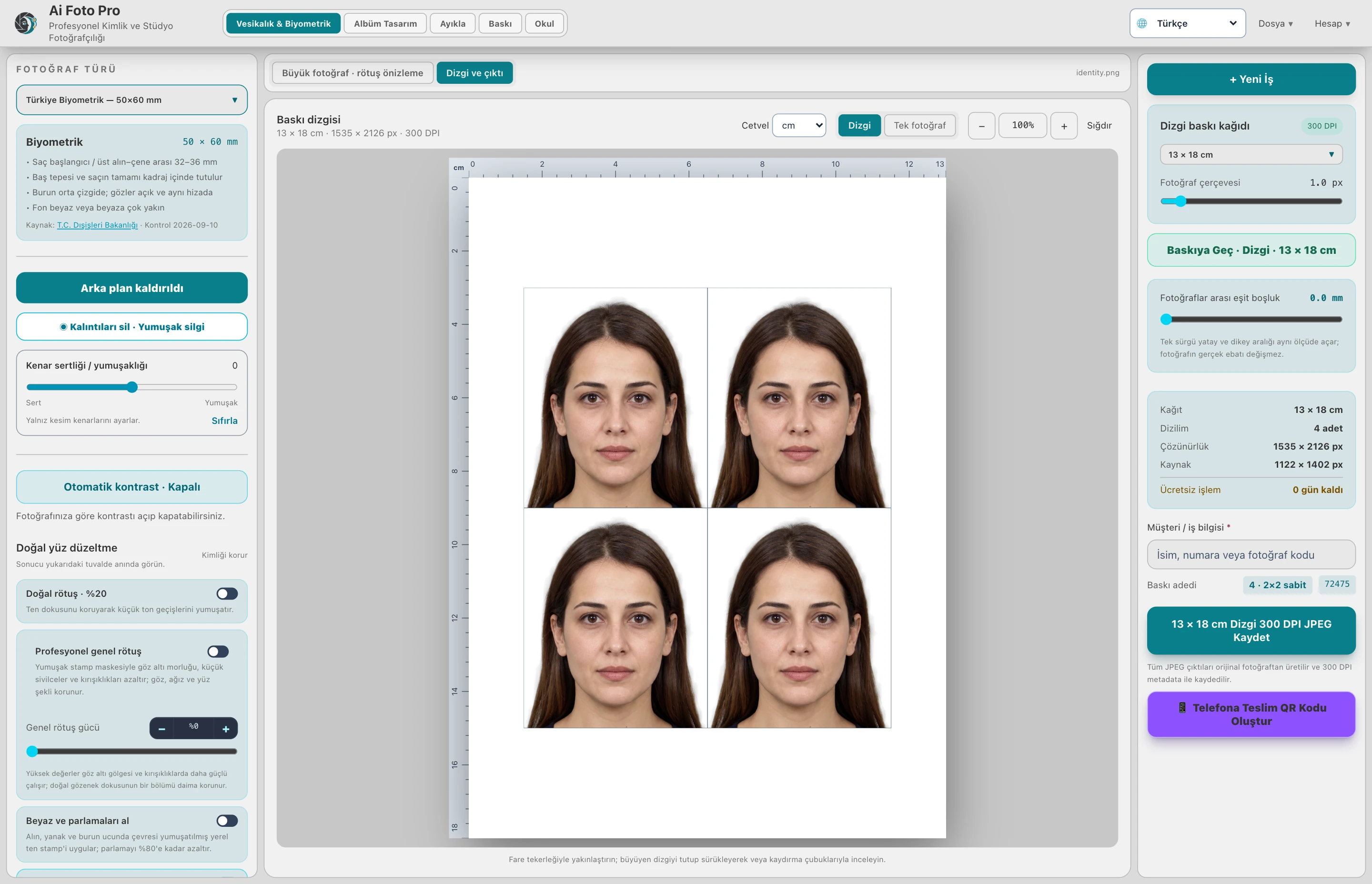
Close-up portraits, children's photographs and studio shots with intense light require different settings. Start with low power and compare the before and after appearance. Instead of completely losing pores, aim to reduce temporary blemishes and harsh tone transitions.
Retouching separates low-frequency tone irregularities and fine skin texture. The process, which aims to protect the eye, lip and facial borders, aims to reduce a plastic appearance in the portrait. Magnify the result and examine it around the hairline, around the eyes and around the chin.
Flash flare and harsh shadows won't be resolved by simply increasing retouching power. Use light and flare tools together; look for a result that is balanced with neighboring skin tones. Completely lost image details cannot be reliably recovered; good shooting is still the strongest beginning.
For ID and passport photos, take into account the intervention conditions of the relevant institution. Stick to accepted corrections rather than reshaping the face or removing permanent features. Ai Foto Pro offers control tools; does not guarantee acceptance of the application photo.
The aim is not to reshape the face, but to prepare the photograph while preserving its natural features.
No. Source resolution, clarity and light limit the result. You should check the details after the transaction.
Evaluate the right workflow for your studio based on your own photos and output needs.