ID & Biometric
Prepare the delivery expected by the customer for ID, passport and visa withdrawals in a single work area.
 Ai Foto Pro
MG Work Studio & Medya Ajans
Ai Foto Pro
MG Work Studio & Medya Ajans
AI FOTO PRO · PRODUCT GUIDE
Even if the photo's measurement is correct, the face may be too large, small, or close to the edge. Control head space, face position and output ratio together to create a head start that suits the type of photography you choose.
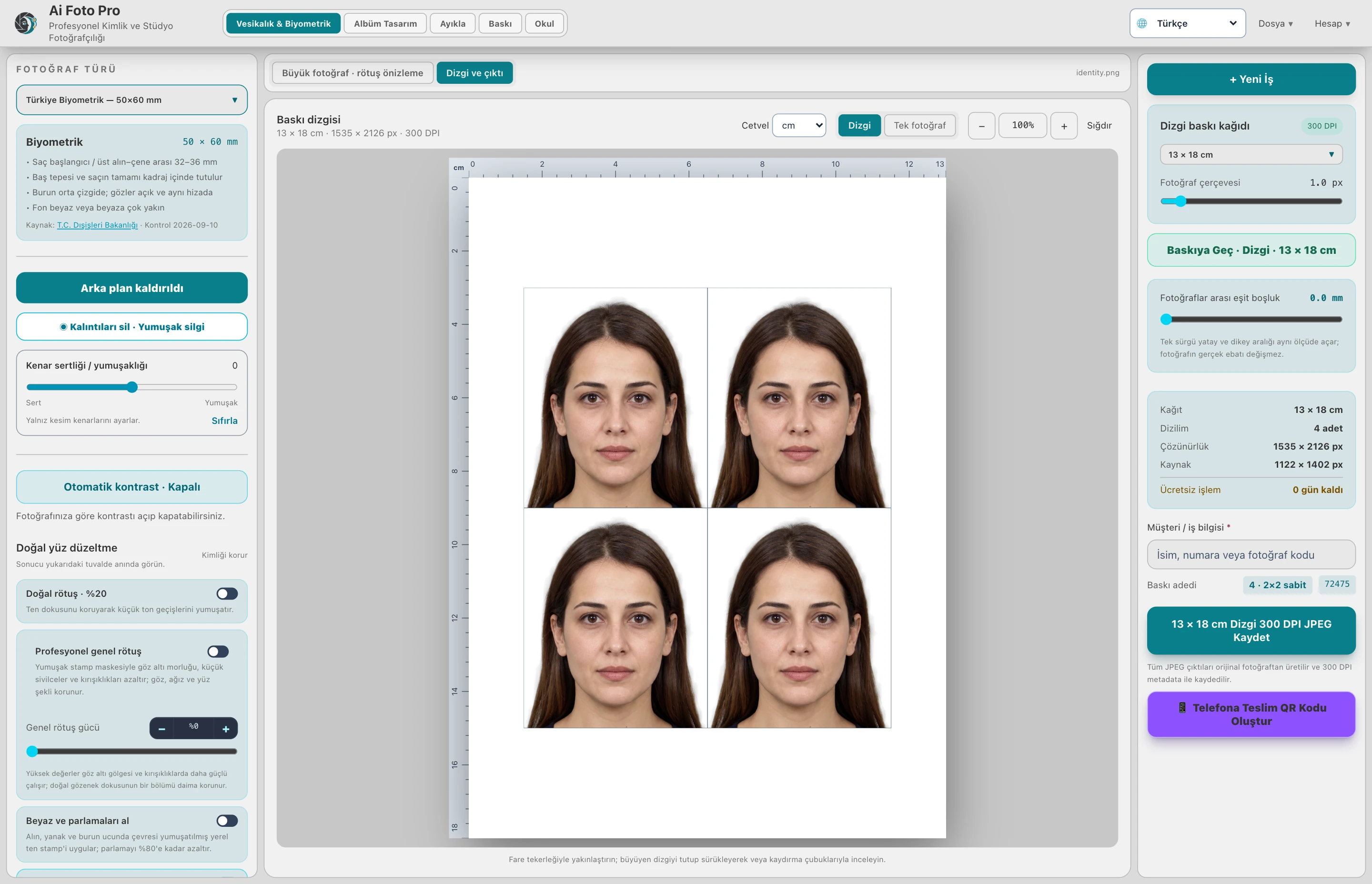
An output size such as 50 × 60 mm determines the outer boundary of the photo. The height of the head and its place in the photo are related to the frame. Checking both in the same preview avoids submitting just looking at the size of the file.
The face points and the selected die form the initial layout. Examine the upper border of the hair, chin and shoulders in the preview. If detection is unreliable or the shooting angle is different, use manual framing. Visually verify without leaving the final decision to automatic suggestion.
You can move and size the area that maintains the output rate on the school card. It is used in the manually determined framing flow. Editing a photo does not force the entire class into the same position; you can manage single revisions together with common settings.
Check the space within the print sheet with a single photo preview before saving. QR delivery uses the same photo field. When you change the selected type or framing later, create the new result rendering; do not make decisions based on previous QR view.
Yes. After automatic placement, you can edit the photo with manual position, proximity and angle controls.
No. The physical dimension of photography is the outer limit; the size of the head within this limit is determined by the frame.
Evaluate the right workflow for your studio based on your own photos and output needs.