School
Get started even without a class list.
 Ai Foto Pro
MG Work Studio & Medya Ajans
Ai Foto Pro
MG Work Studio & Medya Ajans
AI FOTO PRO · PRODUCT GUIDE
Don't stop your work to make the list fit the photo. You can prepare school photos first and match class and student information later. Regular filenames and checked matches make delivery easier.
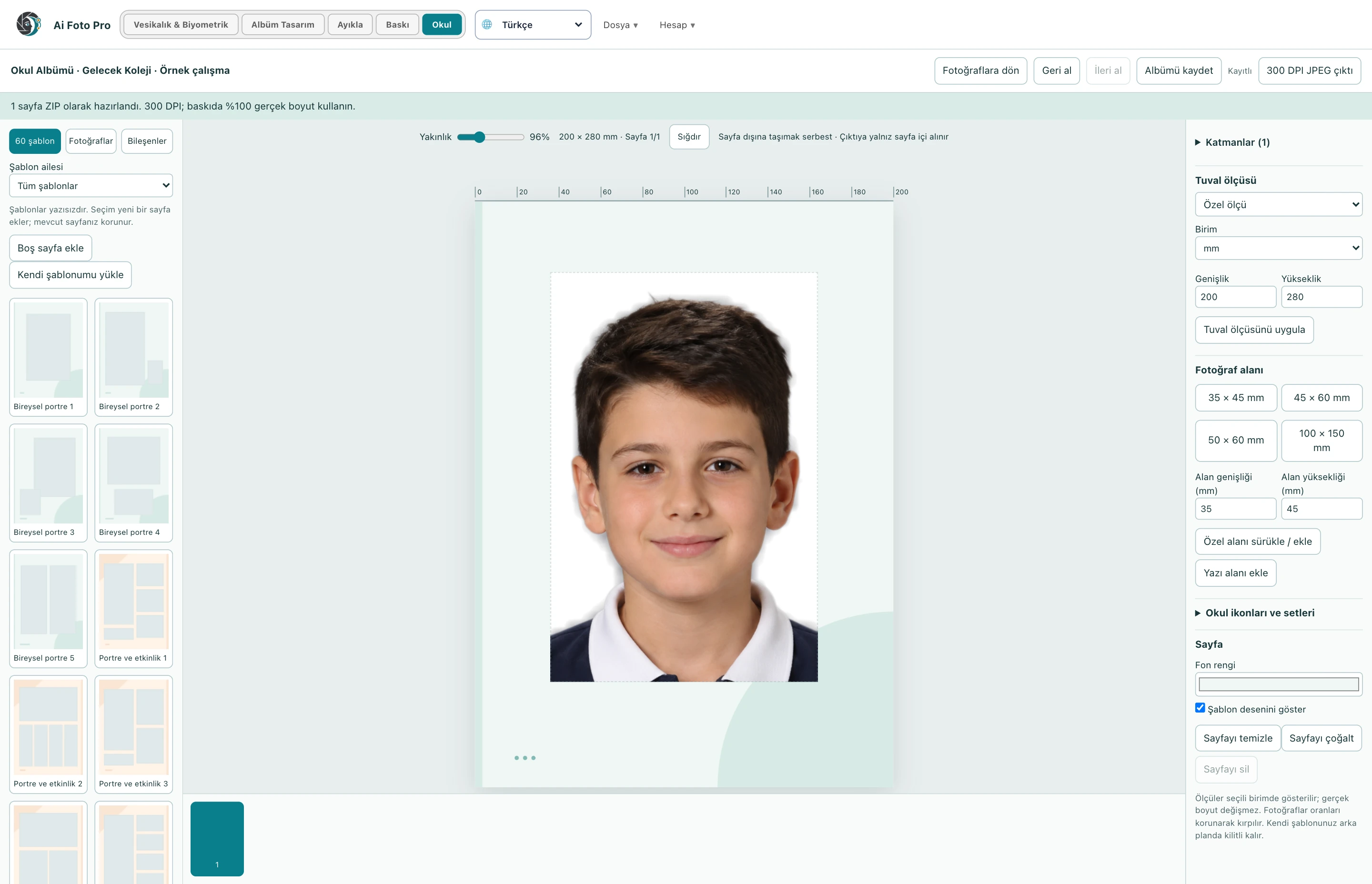
If you haven't received a class list yet, add the photos with their file names. Framing, background, lighting and output operations do not require a list. Once student information is ready, it can be added to the existing job; thus, you do not need to tie the preparation process to the document from the school.
Take the sample column layout shown by the program as a basis and save the list as CSV. Each student should be in a separate line. Check the titles, student number and class information in the import preview. Storing numbers with leading zeros as text prevents changes caused by Excel.
After matching the file name and student information, visually check the student on the card. Number and class information makes it easier to distinguish students with the same name. The system does not claim to verify a student's identity by face; the user determines the correct delivery match.
You can directly change the name of a photo or name selected photos with the common name and ascending number. Generate names that continue as 1, 2, 3 by determining the starting number. In case of conflicting names, the output files are numbered separately; source photos is preserved.
Existing photo names are used. If you wish, you can name the card individually or collectively by increasing the number through selection.
Edit the student number column as text and check the numbers in the CSV import preview.
Evaluate the right workflow for your studio based on your own photos and output needs.