ID & Biometric
Prepare the delivery expected by the customer for ID, passport and visa withdrawals in a single work area.
 Ai Foto Pro
MG Work Studio & Medya Ajans
Ai Foto Pro
MG Work Studio & Medya Ajans
AI FOTO PRO · PRODUCT GUIDE
Offer your customer the opportunity to download a single ready-made photo from his phone. The framing and photo size selected that you approved in the print sheet are also used in digital delivery; you don't need to crop again in a separate application.
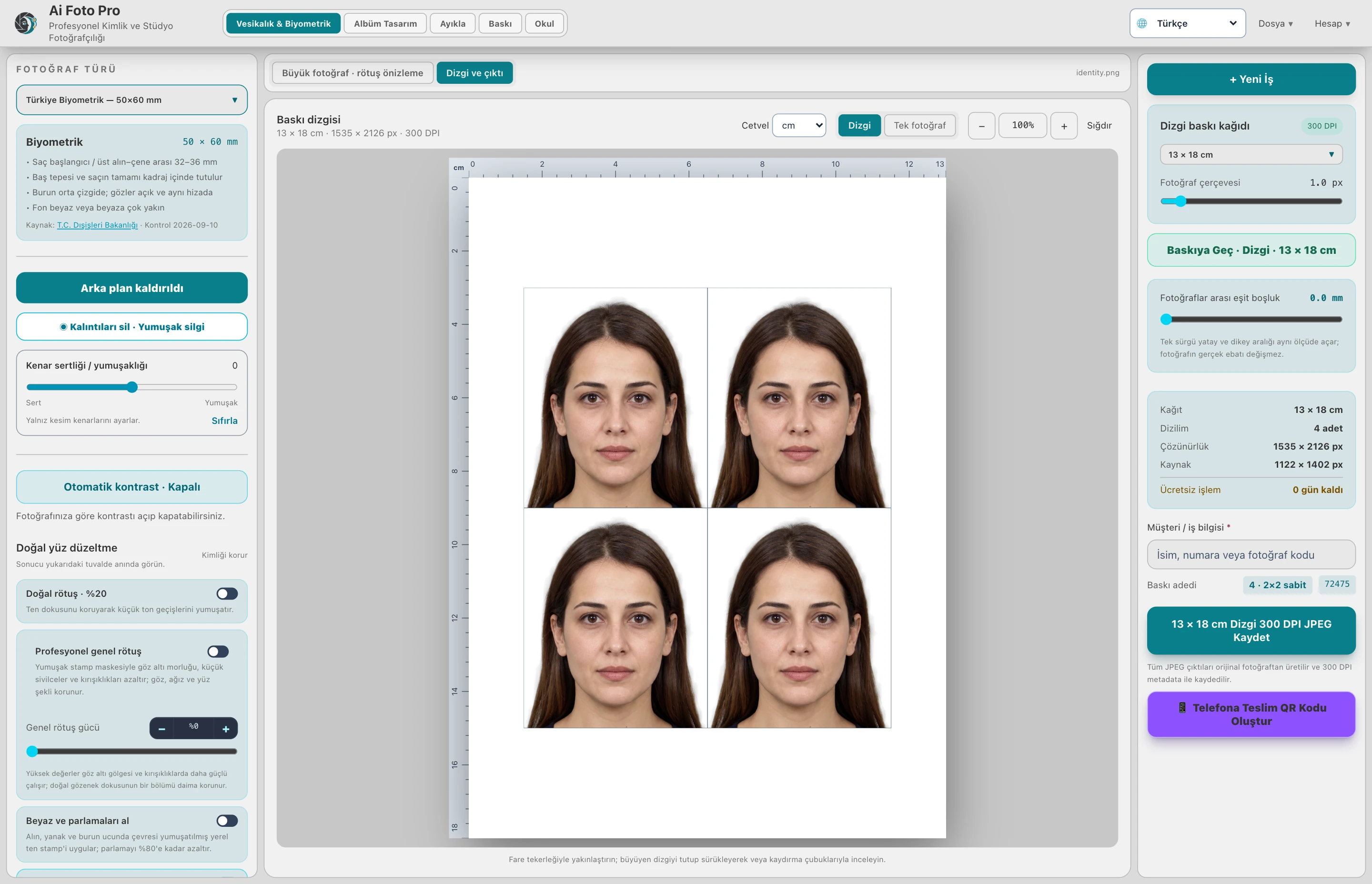
The QR printout is prepared from the photo area inside the passport print layout. The entire paper or a different single print ratio is not sent. For example, if the selected type is 50 × 60 mm, the digital photo is produced according to this ratio; 10×15cm printing paper does not convert to the size of QR photo.
Create a QR after preparing the photo and checking the final framing. Your customer can open the link with their phone's camera and download the file. The link is valid for 24 hours; it is intended for timed delivery rather than a long-term customer archive.
Unlike normal local photo preparation, the output generated in QR delivery is uploaded to the server to serve the link. Inform the recipient about this use. Do not share links to other people's photos publicly.
When the frame, photo type, or appearance of the photo changes, the old QR on the screen is hidden. Recreate the delivery for the new result. This approach reduces accidental delivery of a previous edit file to the client.
No. It is the only photograph in the selected size; uses the framing in the print layout.
No. The QR delivery link is valid for 24 hours. You must download the photo for permanent storage.
Evaluate the right workflow for your studio based on your own photos and output needs.