300 DPI photos and print layouts
Manage the photo's physical size, pixel size and printing paper together.
 Ai Foto Pro
MG Work Studio & Medya Ajans
Ai Foto Pro
MG Work Studio & Medya Ajans
AI FOTO PRO · PRODUCT GUIDE
Let your studio's identity appear on the print type you deliver. Keep the client's photo size and face framing separate while placing your logo in an uncluttered space.
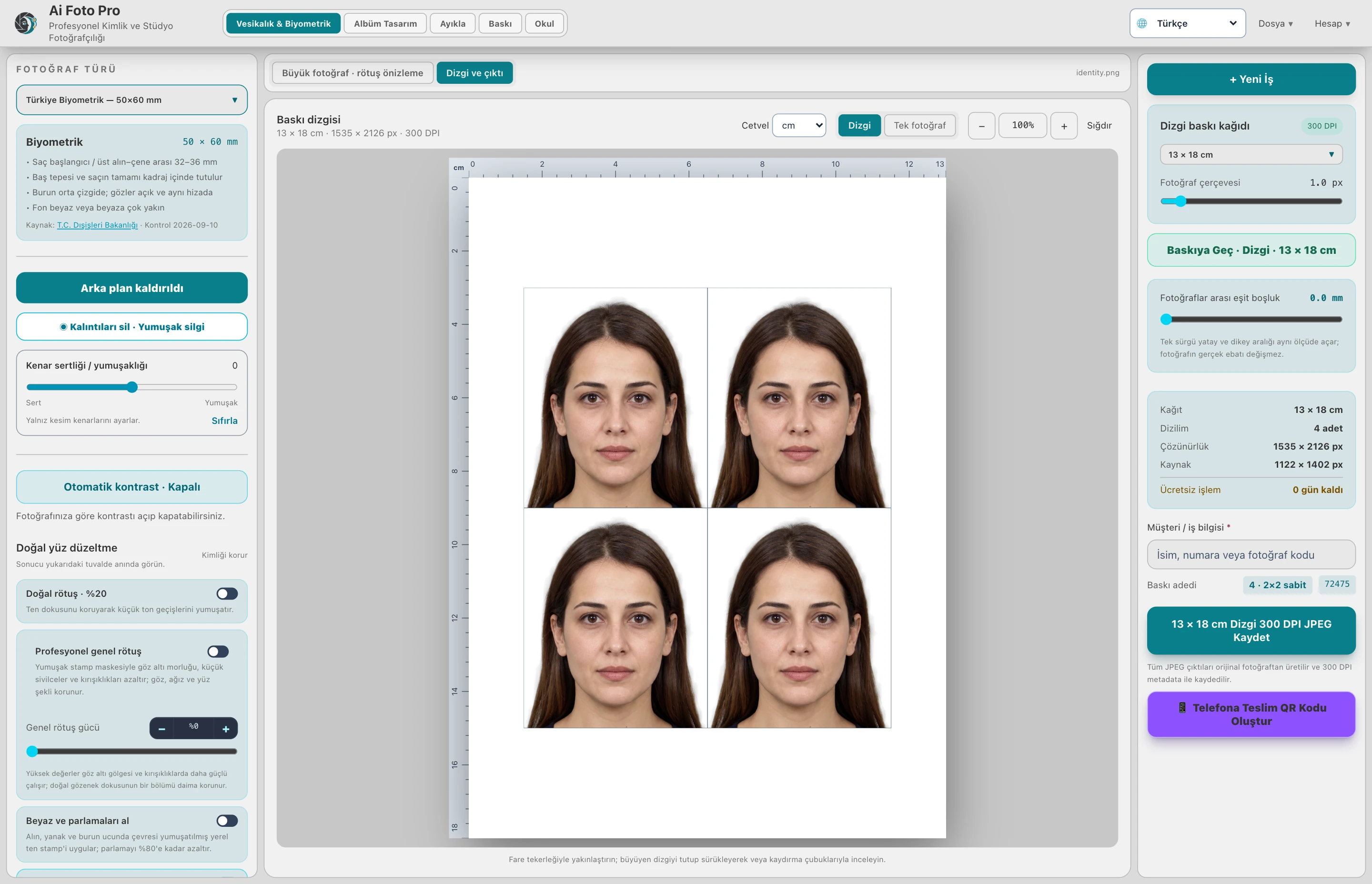
Upload your own logo and use it under the photo frames in the print sheet. The logo area is not superimposed on the photo; the image to be used in the official application and the studio identity remain separate. This way, you can create a regular delivery view without disrupting the scale.
A complex logo can be difficult to read in a small space. Use a simple, clean-edged image and check the readability of text at print size. Consider the contrast and cutout boundaries between the background and the logo.
QR delivery uses single photo space, not printing paper or outer logo tape. When your client receives the document photo on their phone, the studio logo will not be moved over the face. Examine the final output separately in print layout and single photo view.
The external logo area on the print layout is kept below the photo frame; QR delivery uses single photo field.
Evaluate the right workflow for your studio based on your own photos and output needs.